Direct Email
3 min
Module Overview
The Direct Email module allows group leads to send an email to members, leaders, or other users of the platform. This email goes directly to the recipients inbox and is not viewable to users who are not currently members.

How to Send a Direct Email
To start a new message:
- Click "New Message" to open the new message form.
- Select a chapter from the dropdown to send your message to members from that chapter list.
- Delect the recipients from the dropdown.
- Fill in the subject and message.
- Once you have completed your message, click "Preview Message" at the bottom.
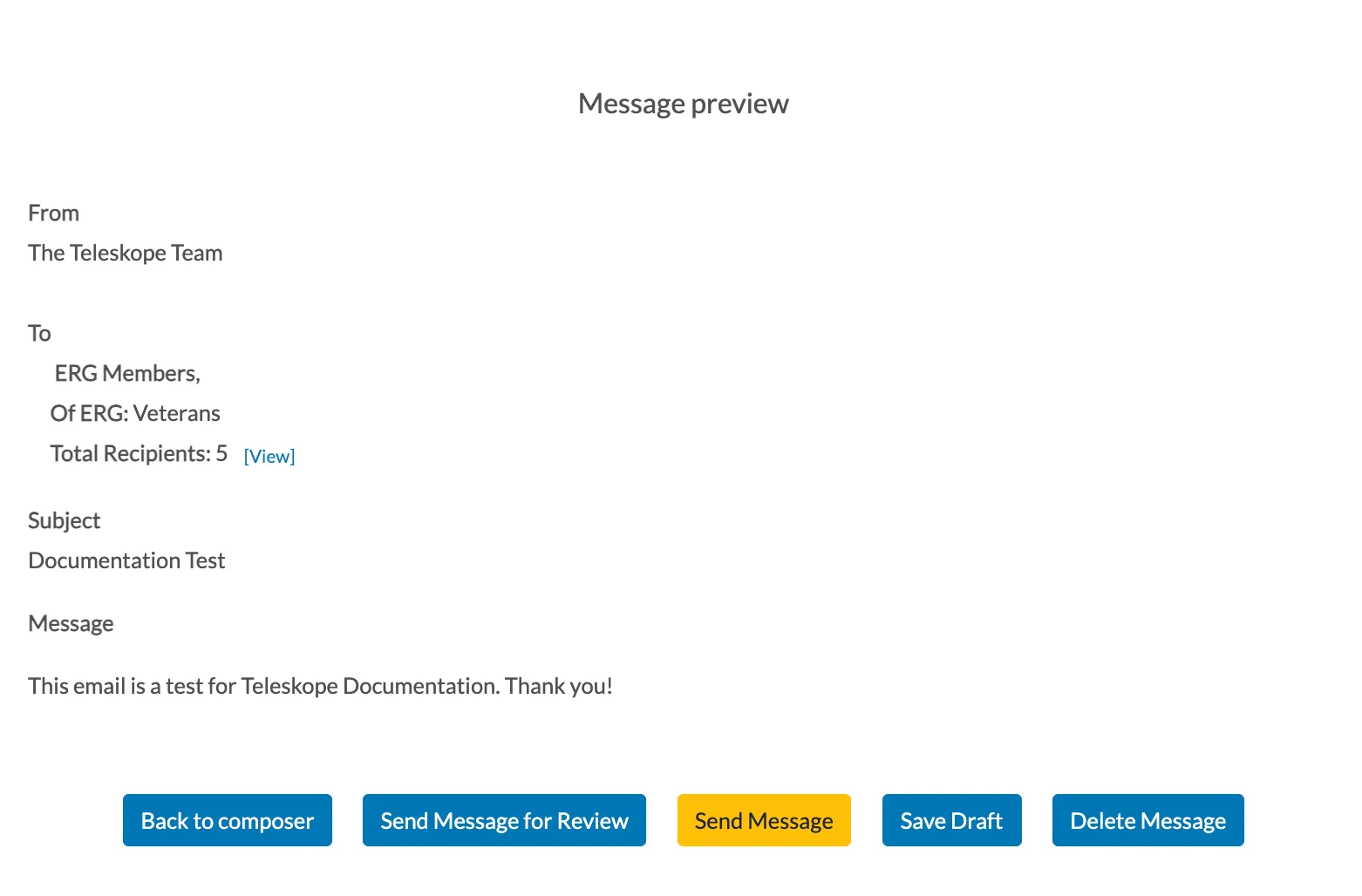
Direct Email Message Preview
If you need to make changes:
- Click "Back to Composer" to continue editing.
- An additional feature is the option to click "Send Message for Review" which allows you to share it with another leader before sending it to the recipients.
- The yellow "Send Message" button will send the message to all recipients that were selected.
- If you want to save the message and exit the new message form, click "Save Draft."
- If you no longer want the message, click "Delete Message" to permanently delete it.