Profile
Overview
Your profile allows you to customize how you're presented when interacting on the platform. Options include the ability to update your avatar or profile image, manage your preferred name, include pronoun preferences, set a timezone, and more!
In this section we will explore all the ways you can interact with your profile.
The Basics
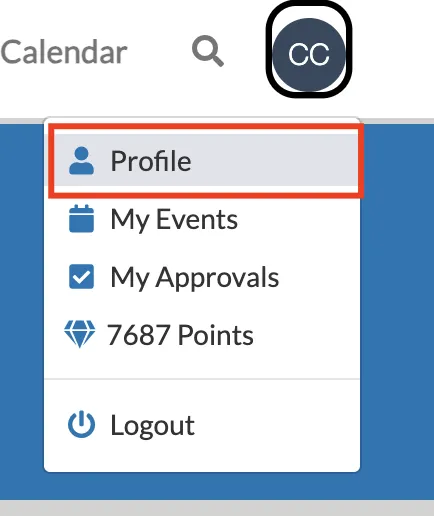
The profile section can be accessed by clicking on the circle with your initials in it at the top right corner of the platform.
Updating Your Avatar
By default, your avatar will contain your first and last initials in a colored circle. However, it can be updated to an image.
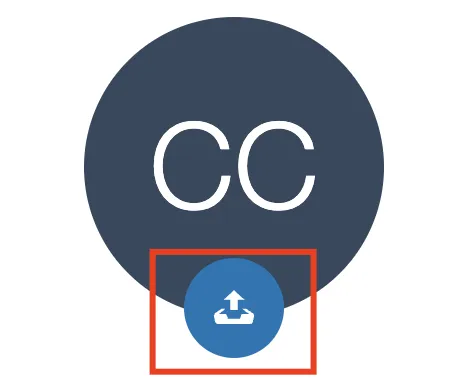
To update, navigate to your profile and click on the upload icon under the avatar with your initials:
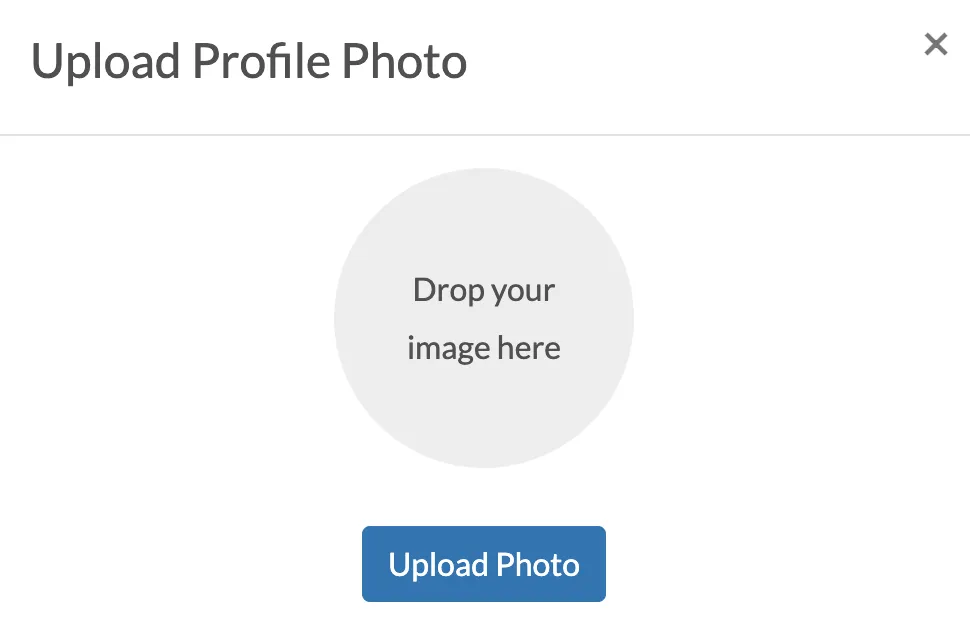
In the resulting window, simply drag and drop your preferred image to the circle, or click on the circle to open up your file selector. Click on Upload Photo to upload and save the image.
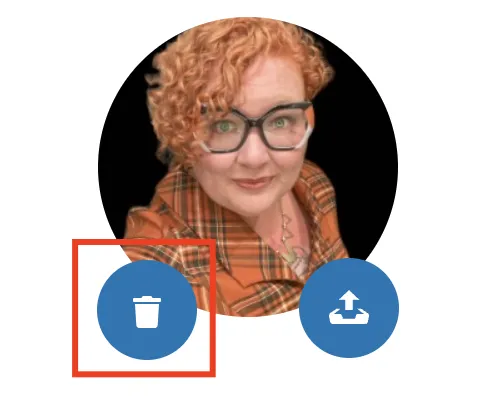
After the image has been uploaded, it can be changed by clicking on the trash bin and then uploading an alternate image.
Updating Your Profile
The following elements are able to be updated by a user:
Please note that your organization may not allow all of these elements to be customized.
- First Name
- Last Name
- Pronouns
- Time Zone
- Home Zone - For organizations with multiple zones, this selector will allow a user to indicate which zone to land on after signing in.
- Default Language - Purchased language packs will show here to select from. Please note that langage packs do not translate communications or user generated content, only basic platform navigation.
- Date Format
- Time Format
To update these elements, click on Update Profile under the set elements, update accordingly, and then click Update to save the changes.
Bio
If your organization is using Teams for mentoring or collaboration, a short bio can be entered for each user to help others learn more about them for Peer-to-Peer mentoring or other collaboration.
Joined Groups
This table will show a user what groups they are a member of, their chapter affiliation (if any), the date they joined, their communication preferences, and, if applicable, whether or not they are an anonymous member of a group.
Communication Preferences/Allow Emails
Under the Allow Emails column, users can indicate what type of communications they prefer to receive in their email inbox for each group. Each communication type is set to on by default, but they can be turned off by clicking the checkbox next to each communication type.
Delegated Access
Please see our section outlining Delegated AccessDelegated Access in detail.
Account Deletion
For users who do not wish to have a profile on the platform, they can delete their profile using the Delete My Account button. This option can be turned on or off per organization.